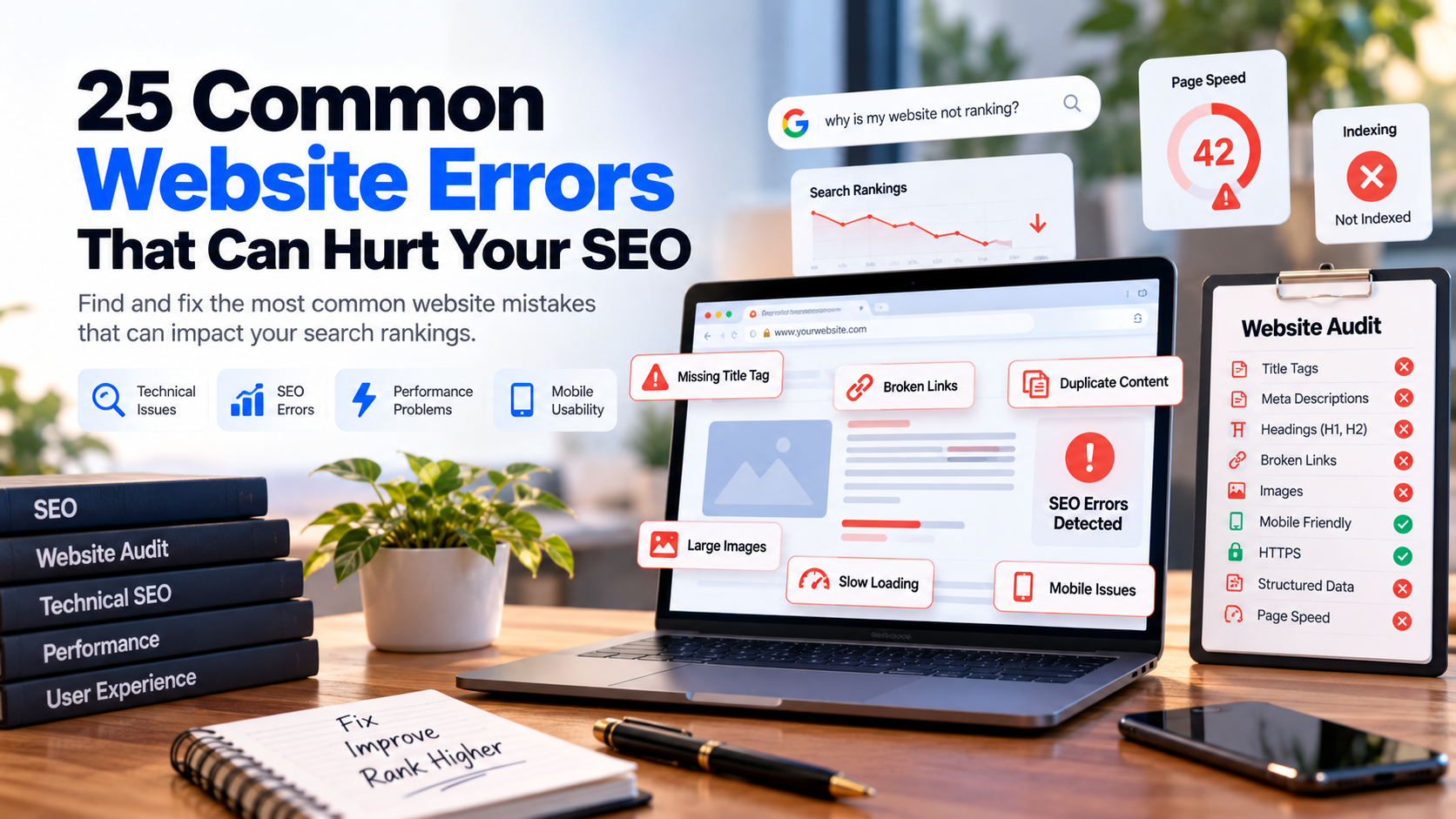
A website can look professional and still have serious SEO problems hiding underneath it. Missing title tags, broken links, incorrect canonical URLs, slow pages, poor mobile usability and indexing issues can all reduce how effectively search engines understand and crawl your website.
The difficult part is that many of these problems are not immediately visible when you open a page in your browser. A website may appear completely normal to a visitor while its technical SEO setup contains errors.
In this guide, we will cover 25 common website errors that can hurt SEO, explain why each problem matters and show you what to check when auditing a website.
Quick Answer: What Website Errors Can Hurt SEO?
The most common website errors that can affect SEO include missing or poorly written title tags, missing meta descriptions, incorrect heading structure, broken links, incorrect canonical URLs, accidental noindex directives, robots.txt problems, missing XML sitemaps, duplicate content, slow page performance, poor mobile usability, missing HTTPS, weak internal linking, image problems and missing structured data.
- Missing or duplicate title tags
- Poor meta descriptions
- Incorrect heading structure
- Missing H1 headings
- Broken internal links
- Broken external links
- Incorrect canonical URLs
- Accidental noindex tags
- Incorrect robots.txt rules
- Missing XML sitemap
- Duplicate content
- Poor URL structure
- Slow website performance
- Poor mobile experience
- Large or unoptimized images
- Missing HTTPS
- Missing or incorrect structured data
- Weak internal linking
- Missing Open Graph metadata
- Poor accessibility
- 404 pages and redirect problems
- JavaScript-dependent content problems
- Indexing issues
- Thin or low-value content
- Poor technical website architecture
1. Missing Title Tags
The title tag is one of the most important pieces of metadata on a webpage. It helps search engines understand the subject of the page and can also influence how the page is represented in search results.
Important pages should have a meaningful, unique title that describes the page accurately. Avoid generic titles such as Home, Untitled or simply repeating the company name across every page.
2. Duplicate Title Tags
Having the same title across multiple important pages makes it harder to clearly communicate the unique purpose of each URL. Service pages, product pages and location pages should generally have titles that reflect their individual search intent.
3. Poor Meta Descriptions
A missing or poorly written meta description can reduce the usefulness of your search-result snippet. A good description should clearly explain what the page offers and match the intent behind the target keyword.
4. Missing H1 Heading
The main heading gives visitors and search engines an immediate indication of what a page is about. Important pages should have a clear primary heading that matches the actual purpose of the page.
5. Poor Heading Structure
Heading levels should create a logical hierarchy. H2 sections should support the main topic and H3 headings should normally belong to a relevant H2 section. Randomly using headings for visual styling can make the content structure less clear.
6. Broken Internal Links
A broken internal link sends visitors toward a page that no longer works. It can also create unnecessary crawl paths and weaken the usability of your website.
Check important navigation links, service pages, blog links, buttons and contextual internal links regularly.
7. Broken External Links
External links can become outdated when another website changes or removes a page. Regularly reviewing important external references helps maintain a better user experience and prevents visitors from repeatedly encountering dead destinations.
8. Incorrect Canonical URLs
Canonical tags help communicate the preferred version of a URL when multiple URLs may represent similar or duplicate content. An incorrect canonical pointing to another page can create indexing problems.
9. Accidental Noindex Tags
A noindex directive tells search engines not to include a page in their index. This can be useful for pages that should not appear in search, but accidentally applying noindex to an important service or landing page can prevent that page from being indexed.
10. Robots.txt Problems
The robots.txt file provides crawling instructions to search-engine bots. Incorrect rules can unintentionally restrict access to important website resources or sections.
11. Missing XML Sitemap
An XML sitemap provides search engines with a structured list of URLs that you want them to discover. It is especially useful for larger websites and sites with many important pages.
12. Duplicate Content
When substantially similar content appears across multiple URLs, search engines may have difficulty determining which version should be treated as the primary page. Review duplicate pages, URL parameters, category pages and similar service pages carefully.
13. Poor URL Structure
Clean URLs are easier for users to understand and easier to organize within a website architecture. Avoid unnecessarily complicated URLs containing long strings of unrelated parameters when a cleaner structure is possible.
14. Slow Website Performance
Performance affects user experience and is an important part of modern technical website quality. Large assets, excessive scripts, inefficient code and slow server responses can all contribute to poor page performance.
15. Large and Unoptimized Images
Images that are much larger than their displayed dimensions can unnecessarily increase page weight. Use appropriately sized images and modern optimization techniques where appropriate.
16. Poor Mobile Experience
A website should work properly across phones, tablets and desktop screens. Text that is difficult to read, buttons that are difficult to tap and layouts that overflow horizontally can create a poor experience for mobile visitors.
17. Missing HTTPS
Websites should use HTTPS to provide an encrypted connection. An improperly configured HTTPS setup can create browser warnings, insecure-resource problems and trust issues.
18. Missing Structured Data
Structured data can help search engines understand entities, content types and relationships on a webpage. Depending on the page, relevant structured-data formats may improve how search engines interpret the content.
19. Weak Internal Linking
Internal links connect related pages and help visitors discover deeper content. They also help communicate relationships between pages within your website.
For example, a blog post about website SEO errors can naturally link to your website audit tool, custom web development service and relevant website development guides.
20. Missing Social Metadata
Open Graph and related social metadata can control how pages appear when shared on supported social platforms. Missing metadata may result in unattractive or incomplete social previews.
21. Poor Accessibility
Accessibility problems can make websites harder to use. Missing image alternative text, unclear interactive elements and poor heading structure are examples of areas worth reviewing.
22. 404 and Redirect Problems
Deleted pages, changed URLs and website migrations can leave behind broken URLs. Important old URLs should be reviewed and redirected appropriately when a relevant replacement exists.
23. Important Content Hidden Behind JavaScript
Modern websites can rely heavily on JavaScript, but important content should still be implemented in a way that search engines can process reliably. Client-side rendering decisions should be considered carefully for SEO-sensitive pages.
24. Indexing Problems
A page cannot generate organic search traffic if it is not eligible to be indexed. Review indexing directives, canonical URLs, robots rules and the overall accessibility of important pages when diagnosing indexing problems.
25. Thin or Low-Value Content
Technical SEO is only one part of search visibility. A technically clean website can still struggle if its pages do not provide useful information that matches what users are actually searching for.
How to Find Website SEO Errors
A practical website audit should combine automated checks with manual review. Start with crawlability and indexing, then review metadata, headings, links, canonical URLs, mobile experience, performance, structured data and content quality.
- Check whether important pages return successful responses
- Check title tags and meta descriptions
- Check H1 and heading structure
- Check canonical URLs
- Check robots.txt
- Check the XML sitemap
- Look for broken links
- Review image sizes and alternative text
- Test mobile usability
- Review page performance
- Check HTTPS
- Review structured data
- Check internal linking
- Review indexing directives
- Evaluate content quality and search intent
Use a Website SEO Checker to Find Problems Faster
Manually checking every technical element on a website can take significant time. An automated website health checker can provide a useful first-pass report by checking common technical, SEO, accessibility, performance and security signals.
YNS Web Studio's free Website Health Checker is designed to give businesses a quick starting point for identifying common website problems before deciding what needs to be fixed.
What Should You Fix First?
| Priority | Examples | Why It Matters |
|---|---|---|
| Critical | Indexing blocks, broken important pages, HTTPS problems | Can prevent important pages from being accessible or discoverable |
| High | Missing titles, canonical problems, broken internal links | Can reduce clarity, crawlability or page quality |
| Medium | Large images, weak metadata, heading issues | Can affect usability, performance and search presentation |
| Lower | Social metadata, minor accessibility improvements | Useful improvements that can strengthen overall website quality |
Why Fixing Website Errors Matters for Businesses
For a business website, technical problems are not only an SEO concern. A broken page, slow website or confusing mobile experience can also affect trust and conversions.
Your website often acts as the first point of contact between a potential customer and your business. That makes technical reliability, performance, usability and clear communication important beyond search rankings alone.
Website SEO Audit Checklist
- Title tags are present and relevant
- Meta descriptions are useful and unique
- Important pages have clear H1 headings
- Heading hierarchy is logical
- Important internal links work
- Canonical URLs are correct
- Robots.txt does not block important content
- XML sitemap is available
- Important pages are indexable
- Website uses HTTPS
- Pages work properly on mobile
- Images are appropriately optimized
- Website loads efficiently
- Structured data is implemented where relevant
- Internal linking connects related pages
- Important pages return successful responses
- Content matches search intent
- Old URLs and redirects are reviewed
How Often Should You Audit Your Website?
There is no single schedule that fits every website. A growing website, e-commerce store or frequently updated business site should be checked more regularly than a small website that rarely changes.
It is also useful to perform an audit after major website redesigns, migrations, URL changes, technology changes or significant content updates.
Frequently Asked Questions
What is the most common SEO error on a website?
There is no single error that affects every website. Missing or poorly configured metadata, indexing issues, broken links, performance problems and weak content structure are common areas to investigate.
Can website errors affect Google rankings?
Some technical and content problems can affect how effectively search engines crawl, understand or serve a website. The impact depends on the specific problem, its severity and the affected pages.
How can I check my website for SEO errors for free?
You can start with a free website health checker for automated technical checks and then manually review important pages, content and search intent.
Should I fix every SEO issue immediately?
No. Prioritize issues based on their severity and business impact. Problems affecting indexing, accessibility, important URLs or core user experience should generally receive attention before minor improvements.
Can a website be technically perfect and still not rank?
Yes. Technical SEO is only one part of organic search performance. Content quality, relevance, competition, authority, search intent and overall website usefulness also matter.
Final Checklist: Is Your Website Healthy?
A healthy website should be accessible, indexable, fast enough for its users, mobile-friendly, logically structured and technically reliable. It should also provide useful content that answers the questions your potential customers are searching for.
If you are unsure where your website currently stands, start with an automated audit and use the results to prioritize the most important fixes.
You can run a free audit with the YNS Web Studio Website Health Checker and then decide whether you need technical fixes, SEO improvements or a complete website rebuild.
Still deciding what technology your website needs?
Share your idea, existing website or business requirements and we'll help you understand the best direction.
Have a website idea?
Let's build it properly.
We build modern websites focused on performance, usability, SEO and business results.