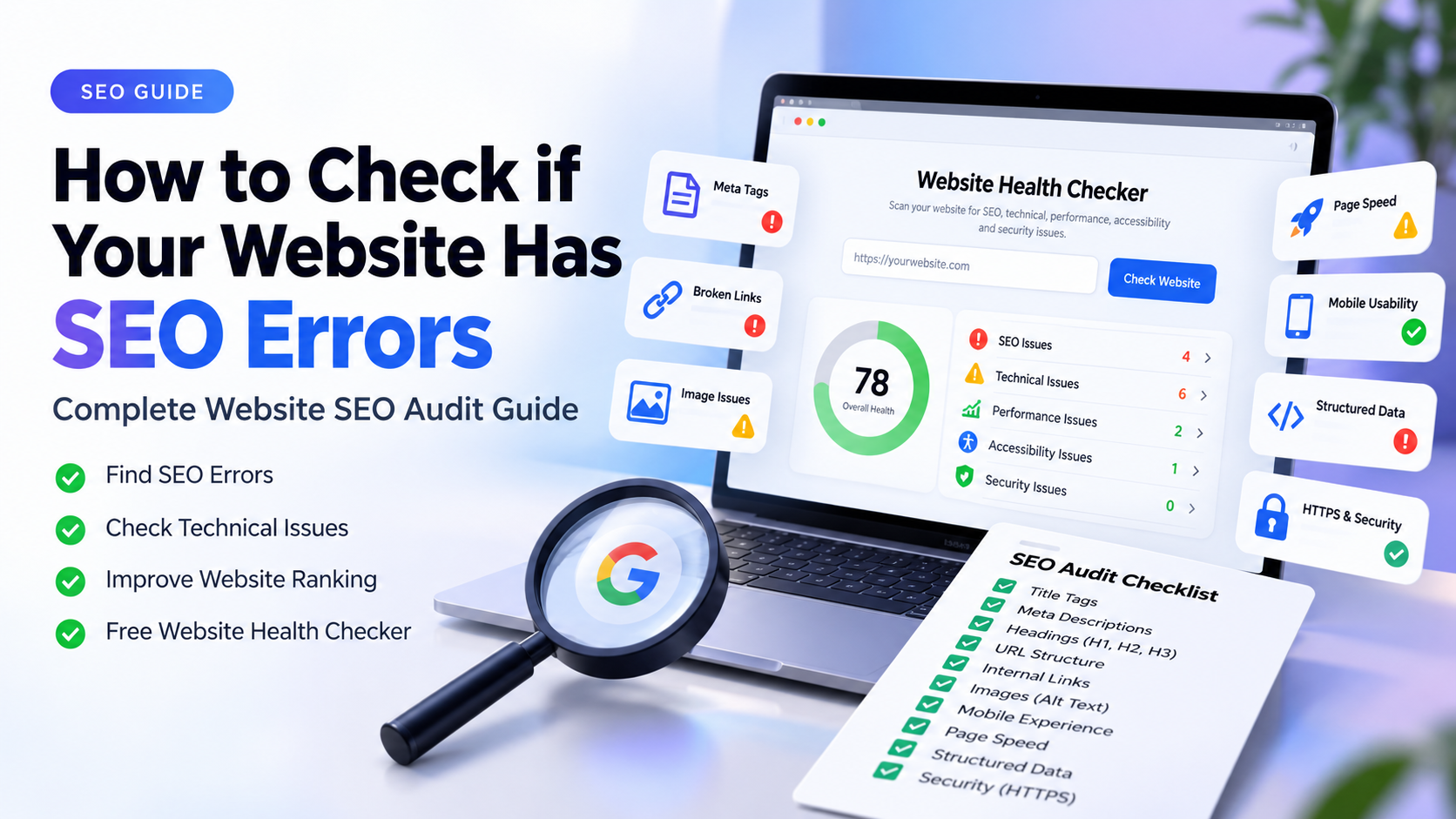
Your website can look professional and still have SEO errors that make it harder for search engines to crawl, understand or index your pages.
The easiest way to check website SEO errors is to combine an automated website SEO audit with a manual review of important pages. Start with crawlability and indexing, then check titles, meta descriptions, headings, canonical tags, links, images, structured data, mobile experience, performance and content relevance.
Problems such as missing title tags, weak meta descriptions, incorrect headings, broken links, missing canonical URLs, indexing issues, slow pages and technical configuration errors can affect search visibility and user experience.
The good news is that you do not need to be an SEO expert to perform a useful first website SEO audit. A structured check can help you identify the most important technical, on-page, performance, accessibility and security problems.
In this guide, you will learn how to check website SEO errors, how to fix SEO errors on your homepage, how to diagnose SEO problems on a website, how to find common website audit errors and how to use a free website health checker.
Quick Answer: How Do You Check a Website for SEO Errors?
The easiest approach is to run your website through an SEO audit and then manually verify the important findings. Start with crawlability and indexing, then check title tags, meta descriptions, headings, URLs, canonical tags, internal links, broken links, images, structured data, mobile experience, performance and security.
- Check whether important pages can be crawled and indexed.
- Check title tags and meta descriptions.
- Check H1 and heading structure.
- Check URLs and canonical tags.
- Check internal and broken links.
- Check image alt text and image sizes.
- Check robots.txt and XML sitemap.
- Check HTTPS and basic security signals.
- Check mobile usability and responsive layout.
- Check website performance.
- Check structured data.
- Check internal linking.
- Review content and search intent.
Want to Check Your Website Right Now?
Run a free website health audit and find common SEO, technical, performance, accessibility and security issues.
Check My Website FreeHow to Check Website SEO Errors
A practical website SEO check should cover more than keywords. Start with the technical foundation, then move through on-page SEO, links, images, performance, structured data and content quality. The goal is to identify problems that can prevent search engines from accessing, understanding or correctly ranking important pages.
- Check crawlability and indexability first.
- Review title tags, meta descriptions and headings.
- Check canonical URLs and duplicate page signals.
- Find broken internal and external links.
- Review image alt text and image sizes.
- Check robots.txt and XML sitemap configuration.
- Review structured data and social metadata.
- Check mobile responsiveness and page performance.
- Review internal linking and website architecture.
- Make sure the content matches the search intent.
How to Fix SEO Errors on Your Homepage
Your homepage is often one of the most important pages on a business website. Start by checking the homepage title, meta description, H1, indexability, canonical URL, internal links, mobile experience, page performance and images.
- Make sure the homepage has a clear and relevant title tag.
- Write a useful meta description that explains the page.
- Use one clear primary H1 that describes the business or page purpose.
- Check whether the homepage can be indexed.
- Check that the canonical URL points to the correct homepage URL.
- Check internal links to important service and commercial pages.
- Optimize large images without reducing useful visual quality.
- Check mobile responsiveness across common screen sizes.
- Check page speed and important performance signals.
- Check structured data where appropriate.
- Add clear calls to action for visitors.
Check Your Homepage for SEO Problems
Use the free YNS Website Health Checker to identify common website issues before fixing them manually.
Run Free Website AuditHow to Diagnose SEO Problems on a Website
Diagnosing SEO problems requires looking beyond individual warnings. Start by understanding what the page is supposed to achieve, then identify whether the problem is technical, content-related, structural or related to search intent.
- Check whether the page is indexed.
- Check whether the target query matches the page purpose.
- Check whether the content answers the searcher's question.
- Check title and heading relevance.
- Check internal links and site architecture.
- Check technical accessibility.
- Check page performance and mobile experience.
- Check whether the website can realistically compete for the target query.
Website SEO Audit Priority: What Should You Fix First?
Not every SEO warning has the same importance. If you find many website problems, fix issues that can prevent pages from being crawled or indexed before working on smaller optimization opportunities.
| Priority | Problem | What to Check |
|---|---|---|
| Critical | Page cannot be indexed | Noindex, robots rules, canonical and crawlability |
| High | Missing or incorrect title/H1 | Page title, H1 and search intent |
| High | Broken important links | Internal links, redirects and 404 pages |
| High | Incorrect canonical | Canonical URL and duplicate pages |
| Medium | Slow pages | Images, scripts and performance |
| Medium | Missing structured data | Relevant schema implementation |
| Medium | Weak internal linking | Important pages and contextual links |
| Low | Minor metadata improvements | Descriptions and secondary optimization |
Common On-Page SEO Errors
- Missing or duplicate title tags.
- Weak or missing meta descriptions.
- Missing or unclear H1.
- Poor heading hierarchy.
- Keyword targeting that does not match search intent.
- Thin or unhelpful content.
- Poor internal linking.
- Missing image alt text where appropriate.
- Incorrect canonical tags.
- Duplicate content.
- Unclear URLs.
How Can You Tell If Your SEO Has Been Damaged?
A sudden or sustained drop in organic visibility can have many possible causes. Compare your search performance before and after the change and investigate technical, content and indexing signals instead of assuming that one SEO issue caused the entire drop.
- Important pages suddenly disappear from search.
- Organic impressions drop significantly.
- Previously ranking pages lose visibility.
- Important pages become accidentally noindex.
- URLs change without proper redirects.
- A website migration introduces indexing problems.
- Important internal links are removed.
- Pages become much slower after a redesign.
- Search intent changes.
- A major technical or content change affects important pages.
Find Broken Links, Missing Meta Tags and Other Website Problems
Broken links, missing metadata, incorrect canonical tags, indexing problems, slow pages and missing structured data can all be part of a broader website health problem. Check these issues systematically instead of optimizing only for keywords.
Broken links are especially important when they occur on important commercial pages. Check navigation, service pages, blog links, internal calls to action and links pointing to old URLs. Missing title tags and meta descriptions should also be reviewed on important pages rather than treated as isolated technical warnings.
Free Website SEO Checker
The YNS Website Health Checker provides a free first-pass audit of important SEO, technical, accessibility, performance and security signals. Enter a public website URL and review the prioritized findings.
- Enter your website URL.
- Start the audit.
- Review the overall health score.
- Check SEO and technical categories.
- Review critical issues first.
- Fix warnings and recommendations.
- Run another audit after major fixes.
Find Out What's Wrong With Your Website
Run a free website audit and get a clear starting point for improving SEO, technical health, performance and user experience.
Audit My Website — It's FreeWebsite SEO Audit Checklist
- HTTPS works correctly.
- Important pages return successful responses.
- Robots.txt is accessible.
- XML sitemap is accessible.
- Important pages are indexable.
- Title tags are present and relevant.
- Meta descriptions are useful.
- H1 headings are clear.
- Heading structure is logical.
- URLs are clean and descriptive.
- Canonical tags are correct.
- Internal links work.
- Images have appropriate alt text.
- Large images are optimized.
- Mobile layout works correctly.
- Important pages load efficiently.
- Structured data is relevant and valid.
- Open Graph metadata is configured.
- Important pages are internally linked.
- Content satisfies search intent.
- Important commercial pages have clear CTAs.
Why Is My Website Not Ranking on Google?
There is rarely one universal reason why a website does not rank. Possible causes include technical accessibility problems, indexing issues, weak relevance, content that does not satisfy search intent, poor site structure, insufficient authority, strong competition or targeting queries that do not match the site's current ability to compete.
If your website is technically healthy but still receives very few impressions, the next step is usually to examine search intent, content quality, internal linking, topical relevance and authority rather than repeatedly changing technical metadata.
Frequently Asked Questions
What is the easiest way to check my website SEO?
Start with a website SEO checker for a quick technical and on-page audit, then verify important findings using Google Search Console and dedicated performance tools.
How do I know if my website has SEO problems?
Look for issues involving indexing, crawlability, titles, meta descriptions, headings, canonicals, links, images, mobile usability, performance, structured data and content relevance.
How can I fix SEO errors on my homepage?
Start with the homepage title, meta description, H1, indexability, canonical URL, internal links, mobile experience, performance, images and structured data.
Is there a free website SEO checker?
Yes. YNS Web Studio provides a free Website Health Checker for an initial website SEO and technical audit.
Does an SEO audit guarantee higher Google rankings?
No. An audit identifies technical and optimization opportunities, but rankings also depend on relevance, content quality, competition, authority and the overall search experience.
How often should I check my website for SEO errors?
A website should be checked after major redesigns, migrations, URL changes and significant technical updates. For an active business website, a periodic audit can also help identify new broken links, indexing problems and technical issues before they become larger problems.
Final Checklist: Find Your Website's SEO Problems
Do not try to optimize everything at once. First make sure search engines and users can access your important pages. Then fix critical technical problems, improve page-level SEO, strengthen internal linking, optimize performance and improve content based on search intent.
If your website is not ranking, do not assume that adding more keywords will solve the problem. First diagnose whether the issue is indexing, technical accessibility, search intent, content quality, site structure, performance or competition.
If you are building or rebuilding a business website, technical SEO should be considered during development rather than added as an afterthought. A well-structured website makes it easier to maintain metadata, internal links, performance and scalable content architecture as the site grows.
Find Out What's Wrong With Your Website
Run a free website audit and get a clear starting point for improving your SEO, technical health, performance and user experience.
Audit My Website — It's FreeStill deciding what technology your website needs?
Share your idea, existing website or business requirements and we'll help you understand the best direction.
Have a website idea?
Let's build it properly.
We build modern websites focused on performance, usability, SEO and business results.